Okay, this is going to be a little weird, or I find a little weird. Agents can talk to other agents. That’s the normal part. The weird part is that agents can also talk to themselves now. You can look at a task and say the best way to tackle this is with three of me. Let’s talk about sub-agents.
So I’ve got this sales agent, and I want it to go through my lead list and identify leads I haven’t spoken to in HubSpot in over two months. Now we can do this the normal way, step by step, get contacts, get engagements, identify which I haven’t spoken to. But now in Gumloop agents, every Gumloop agent can spawn itself as a sub-agent. So instead of taking the steps one by one, you can do it in parallel by spinning up clones, and then each clone doing the work.
Each agent knows what the other is working on, so they’re not overlapping. One to get contacts, another to get engagements, and a third to identify which leads need to be worked on. This speeds up the process dramatically and even reduces token usage because the context window of each agent is separate. And there’s nothing you have to do to make this happen. The agent decides for itself when it should create a clone, a sub-agent of itself.
Now for the normal part. Agents talking to other agents. I guess this is normal if you’re comfortable with the idea of computers talking to other computers, which maybe by now you are, but I digress. Let’s imagine our marketing team has multiple agents. An SEO bot for researching keywords, a brand guidelines agent that can help us draft and review content, and an engineering agent that helps us spin a blog post or update our website.
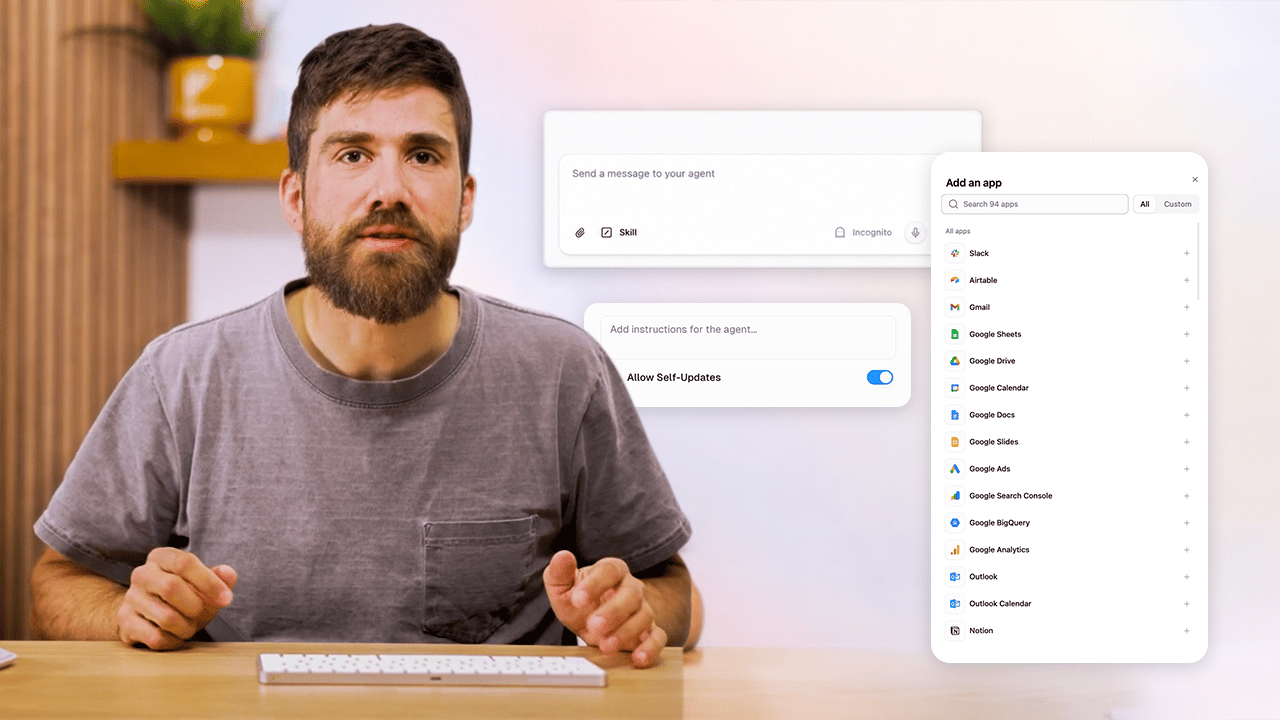
Each part of the marketing team uses these agents in independent ways, and now they can coordinate in this marketing agent. Let’s give it some instructions on how to coordinate these different agents. Something like for a blog post workflow, given a topic, use the SEO bot for title and keywords, then copybot to draft the blog post, and send it over to engineering agent to publish the blog post. Now all I have to do is create a blog post about AI sub-agents, and it’s going to start using these other agents.
It’ll start spinning up the SEO agent to understand the landscape as we wanted in the instructions. Now, as it’s thinking a few things you’re probably asking yourself, sub-agents use the same permission setup as a normal agent. It’s no different than sending a message directly to the agent. And these agents remain independent. So as they get new skills or get updated, those changes are reflected here as well. And yes, this is cool as hell.
So check in here, SEO bot is done. Now over to copybot with the first draft. And then once that’s done, it’s going to send it over to engineer bot for getting the blog post ready and drafted on our blog. With this, we’ve taken three independent agents and combined them to create an orchestration agent. It’s the power of teamwork where the team is just agents. And sometimes it’s just one agent that replicated itself.
Subagents
Subagents let an agent split work across clones of itself or coordinate other specialist agents, so multi-step tasks run faster and stay more organized.
Subagents help when one task should not live inside one long chain of reasoning. They can speed work up, reduce context bloat, and make multi-step jobs easier to manage. In practice, this usually shows up in two forms: an agent cloning itself to handle work in parallel, or one agent orchestrating a group of specialist agents.
Agents Cloning Themselves
Say you want an agent to review a lead list and find everyone your team has not contacted in HubSpot for more than two months.
One agent can do that step by step. It can pull contacts, look up engagement history, and then decide who needs follow-up. That works, but it is slow and keeps everything in one context window.
- One subagent gathers contacts
- Another checks engagements
- A third identifies which leads need attention
That parallel split speeds things up. It can also reduce token usage, because each subagent gets its own separate context window instead of one agent carrying the whole job alone.
You do not need to choreograph every clone by hand. The important shift is that an agent can decide for itself when duplicating the work is the cleaner path.
Agents Orchestrating Other Agents
Not every workflow needs self-cloning. Sometimes the better setup is one agent coordinating other agents that already have clear jobs.
Imagine your marketing team already has separate agents for SEO, copy, and publishing. Each one has its own instructions, tools, and strengths. A coordination agent can sit on top and decide who should do what.
A workflow like that might look like this:
SEO bot: handles the title and keywords.
Copybot: drafts the blog post.
Engineering agent: publishes the draft.
You make one request. The coordination agent handles the handoffs. That gives you one entry point for the workflow without collapsing every specialty into one giant prompt.
Permissions and Maintenance
Two practical details matter here.
Permissions stay the same. A subagent call uses the same permission setup as contacting that agent directly. This is not a workaround to get broader access.
Independent agents stay up to date. If an agent gets new skills or updated instructions later, the orchestration flow benefits automatically because it is still calling that underlying agent.
What to Remember
Use subagents when a job gets meaningfully better once it is split into distinct pieces.
If the work is one workflow with parallelizable steps, an agent can clone itself. If the work spans multiple specialist roles, an orchestration agent can coordinate them. In both cases, the goal is the same: faster execution, cleaner context, and better teamwork between agents.